2012年2月29日 星期三

WPF 3D - 1 : Rotating Sphere

1. Add Ref: Primitive3DSurfaces.DLL
2. Add
     xmlns:my="clr-namespace:Primitive3DSurfaces;assembly=Primitive3DSurfaces"
3.

<Grid>
        <Grid.Background>
            <LinearGradientBrush StartPoint="0,0" EndPoint="0,1">
                <LinearGradientBrush.GradientStops>
                    <GradientStop Color="Black" Offset="0"/>
                    <GradientStop Color="DarkBlue" Offset="1"/>
                </LinearGradientBrush.GradientStops>
            </LinearGradientBrush>
        </Grid.Background>
        <Viewport3D Grid.Column="0" Grid.Row="0">
            <Viewport3D.Camera>
                <PerspectiveCamera Position="0,0,-8" UpDirection="0,1,0" LookDirection="0,0,1" FieldOfView="45" NearPlaneDistance="0.125"/>
            </Viewport3D.Camera>
            <Viewport3D.Children>
                <ModelVisual3D>
                    <ModelVisual3D.Content>
                        <DirectionalLight Color="White" Direction="0,0,1" />
                    </ModelVisual3D.Content>
                </ModelVisual3D>
                <ModelVisual3D>
                    <ModelVisual3D.Transform>
                        <RotateTransform3D>
                            <RotateTransform3D.Rotation>
                                <AxisAngleRotation3D  x:Name="rotation" Angle="0" Axis="0,1,0" />
                            </RotateTransform3D.Rotation>
                        </RotateTransform3D>
                    </ModelVisual3D.Transform>
                    <my:Sphere3D>
                        <ModelVisual3D.Transform>
                            <TranslateTransform3D OffsetX="0" OffsetY="0" OffsetZ="0"  />
                        </ModelVisual3D.Transform>
                        <my:Sphere3D.Material>
                            <DiffuseMaterial>
                                <DiffuseMaterial.Brush>
                                    <ImageBrush ImageSource="earthspec1k.jpg" />
                                </DiffuseMaterial.Brush>

                            </DiffuseMaterial>
                        </my:Sphere3D.Material>
                    </my:Sphere3D>
                 
                </ModelVisual3D>
            </Viewport3D.Children>
        </Viewport3D>
    </Grid>
4. Add storyboard

<Window.Triggers>
    <EventTrigger RoutedEvent="Window.Loaded" >
      <BeginStoryboard>
        <Storyboard Name="myStoryBoard">
          <DoubleAnimation
            Storyboard.TargetName="rotation"
            Storyboard.TargetProperty="Angle"
            From="0" To="360" Duration="0:0:10" RepeatBehavior="Forever"/>
        </Storyboard>
      </BeginStoryboard>
    </EventTrigger>
  </Window.Triggers>
5. 

5. VS2010CS範例下載


2012年2月28日 星期二

Kinect SDK V1.0 (1)

一時間看不來正式版SDK,測試入門語法。
ref: http://channel9.msdn.com/Series/KinectQuickstart/Camera-Fundamentals
1. 環境: SDK installed.
2. Open new WPF project.
3. Add Reference
     Microsoft.Kinect
     Microsoft.Samples.Kinect.WpfViewers"

4. Add using namespace Microsoft.Kinect
5. Add (@ Xaml file)
    xmlns:my="clr-namespace:Microsoft.Samples.Kinect.WpfViewers;assembly=Microsoft.Samples.Kinect.WpfViewers"
6. Add 2 xaml tags

 <my:KinectSensorChooser  Margin="234,104,0,0" Name="kinectSensorChooser1"  />
        <my:KinectColorViewer Width="640" Height="480" Kinect="{Binding ElementName=kinectSensorChooser1, Path=Kinect}"></my:KinectColorViewer>
7. Add Window_Loaded event method
    kinectSensorChooser1.KinectSensorChanged += new DependencyPropertyChangedEventHandler(kinectSensorChooser1_KinectSensorChanged);
8. Copy  private void StopKinect(KinectSensor sensor) from refernce
     private void StopKinect(KinectSensor sensor)
        {
            if (sensor != null)
            {
                if (sensor.IsRunning)
                {
                    //stop sensor
                    sensor.Stop();

                    //stop audio if not null
                    if (sensor.AudioSource != null)
                    {
                        sensor.AudioSource.Stop();
                    }


                }
            }
        }
9. Add event method

void kinectSensorChooser1_KinectSensorChanged(object sender, DependencyPropertyChangedEventArgs e)
        {
            var oldSensor = (KinectSensor)e.OldValue;
            //stop the old sensor
            if (oldSensor != null)
            {
                StopKinect(oldSensor);
            }
            //get the new sensor
            var newSensor = (KinectSensor)e.NewValue;
            if (newSensor == null)
            {
                return;
            }
            //newSensor.AllFramesReady += new EventHandler<AllFramesReadyEventArgs>(newSensor_AllFramesReady);
            //turn on features that you need
            newSensor.ColorStream.Enable(ColorImageFormat.RgbResolution640x480Fps30);
            //newSensor.DepthStream.Enable(DepthImageFormat.Resolution640x480Fps30);
            //newSensor.SkeletonStream.Enable();
            try
            {
                newSensor.Start();
            }
            catch (System.IO.IOException)
            {
                //this happens if another app is using the Kinect
                kinectSensorChooser1.AppConflictOccurred();
            }
        }


10. Add Window_Closing event method to close the kinect.


2012年2月24日 星期五

HTTP 錯誤 500.19 - Internal Server Error HTTP 錯誤 500.19 - Internal Server Error

1. VS2010 error

2. Install asp.net

3. Error
HTTP 錯誤 500.21 - Internal Server Error
若您是先安裝.NET Framework 4.0獨立安裝程式再啟用IIS角色就可能遇到上述的錯誤訊息,原因在於IIS角色在啟用時並未更新現有的應用程式以使用ASP.NET 4 版本的應用程式集區 ,以及在 IIS Metabase 中未更新傳統模式及 IIS 整合模式下ASP.NET 4的處理常式與指令對應,以至於出現上述的錯誤訊息。
4. Windows 7 x64


5. Done

2012年2月22日 星期三

WPF 命令列 2

1.  測試檔案
// FileName: App1.cs

class app
{
[System.STAThread]
static void Main()
{
 w1 w = new w1();
 w.ShowDialog();
}
}
class w1:System.Windows.Window
{

}
2. 編譯指令
csc  /out:App1.exe  /target:winexe   app1.cs /reference:"C:\Program Files\Reference Assemblies\Microsoft\Framework\v3.0\presentationframework.dll" /reference:"C:\Program Files\Reference Assemblies\Microsoft\Framework\v3.0\windowsbase.dll" /reference:"C:\Program Files\Reference Assemblies\Microsoft\Framework\v3.0\presentationcore.dll"
3. 結果

WPF 命令列編譯

1. 沒有xaml 的WPF專案可以用csc.exe編譯。
http://msdn.microsoft.com/en-us/library/aa970678(v=vs.90).aspx
2. 有xaml檔則可以用msbuild.exe再命令列模式建置
3. Copy
     app.xaml
     app.xaml.cs
     MainWindow.xaml
     MainWindow.xaml.cs
     Wpfapplication1.csproj
     properties 目錄
     到同一目錄
4. 以2010命令列模式
     msbuild Wpfapplication1.csproj

2012年2月16日 星期四

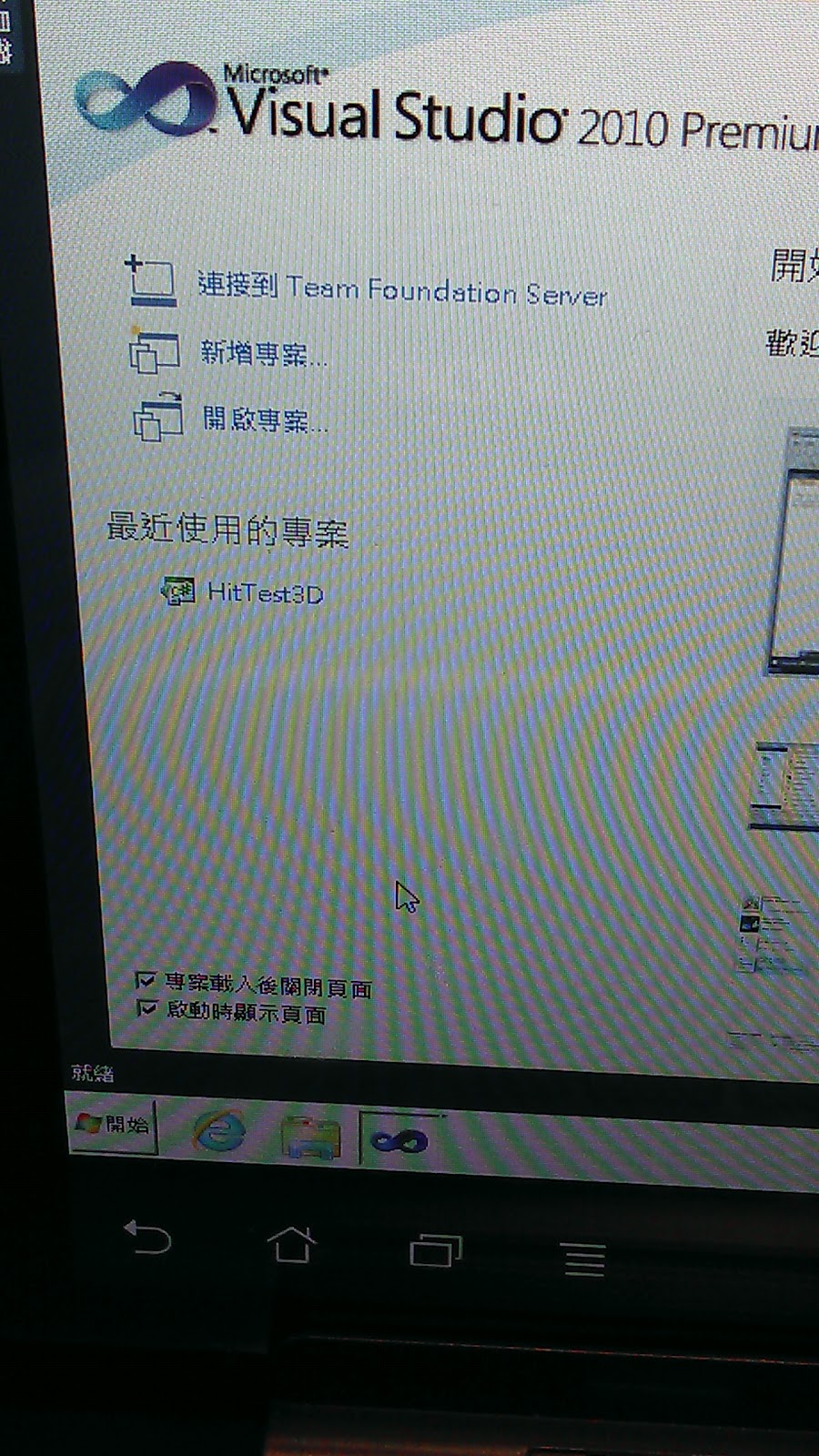
變形金剛試VS2010

1. 怡宏的Virtual Windows 7
2. Android Remote RDP Lite
3. Remote RDP Lite 設定
IP, Port 3389, Screen resolution ... etc
4. 連線
5. 啟動VS2010
6. Run HitTest3D


2012年2月14日 星期二